Covers that show your game
Your cover is your game's card everywhere players browse, shown alone with no title over or under it. Zaisma's lists show games whose covers and titles keep five lines anyone can check against the picture. Style is yours: here's what passes, what doesn't, and what the best covers do.
What great covers do
- One subject from the game, big.
- The game's name, big enough to read on a phone.
- The game's own art and colors.
- A simple background, with room around the subject.
- Still clear as a small card.
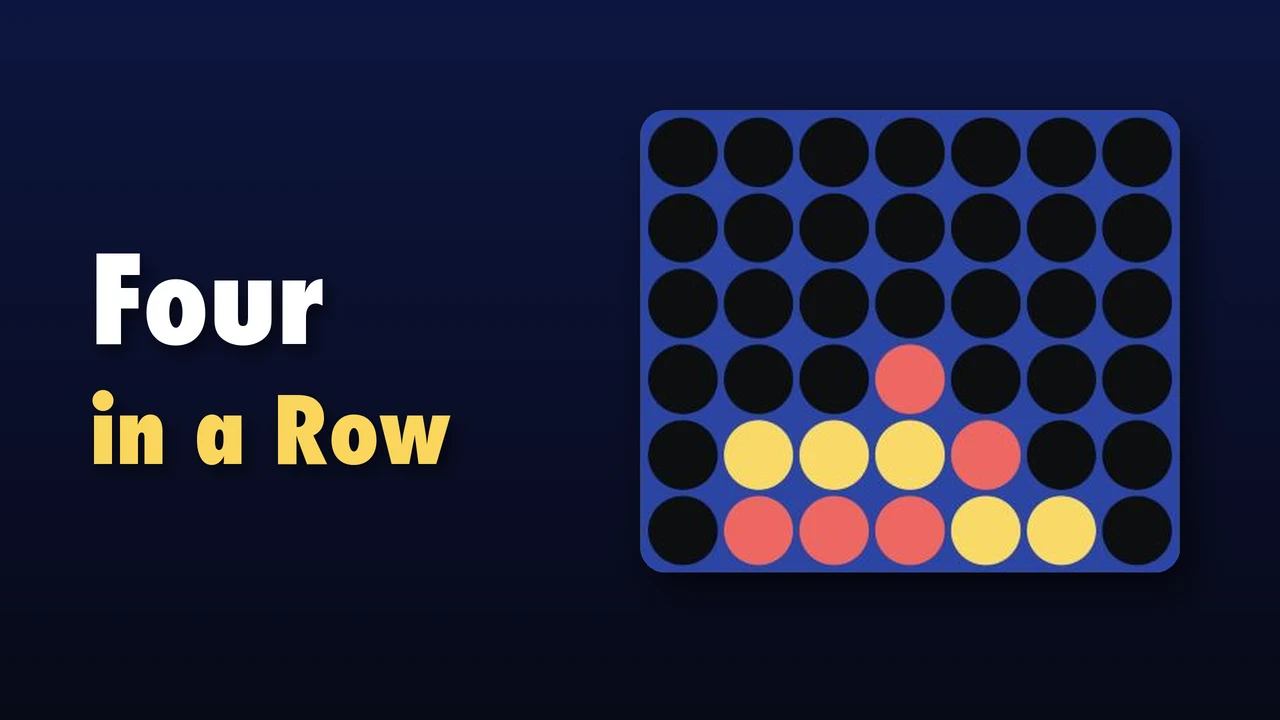
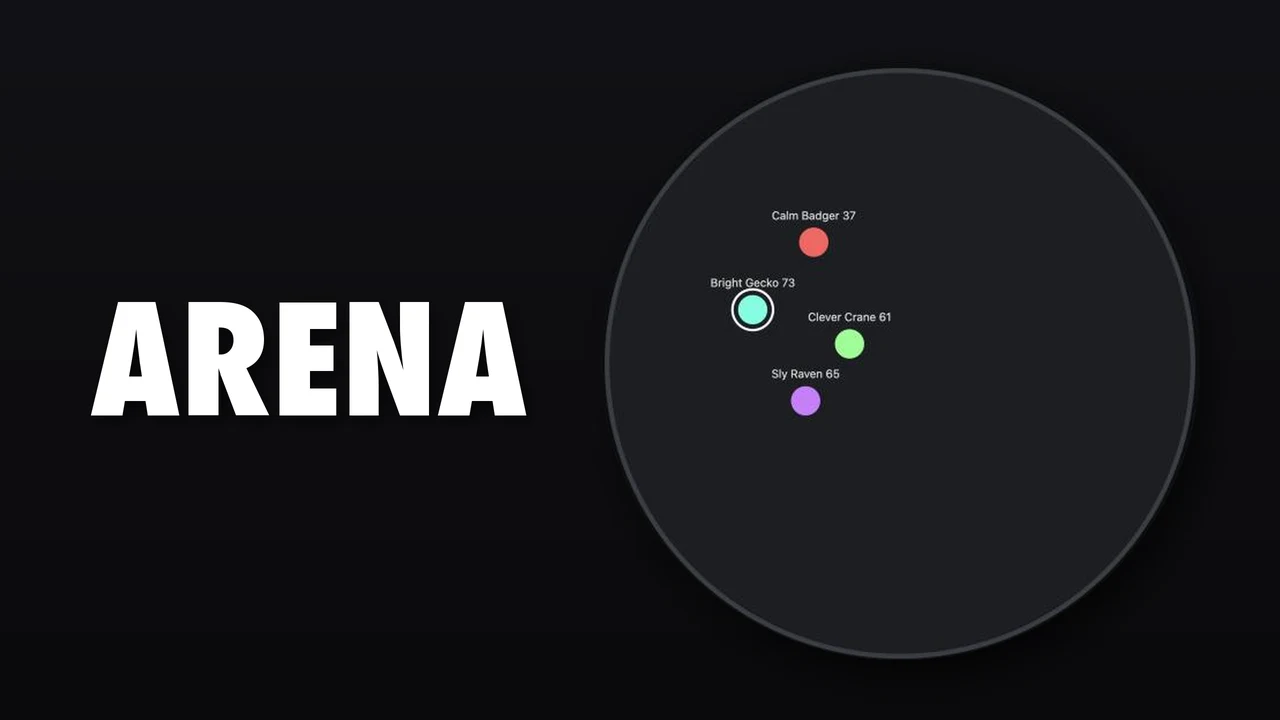
Browsers run games as big as PC games now, so aim for their art: a cover that would sit well on a PC store, not one made for a quick mobile game. Study these on their store pages: Hades, Hollow Knight, Celeste, Octopath Traveler, Dead Cells and Balatro.
The five lines
An AI checks every cover, square cover and share picture in about a minute. These are the lines it holds them to, the same for every game.
1. No text but the title
The game's name, a subtitle and your studio's logo. No callouts, update banners, feature lists, counts or prices. Words that are part of the scene, like a sign on a building, are fine.
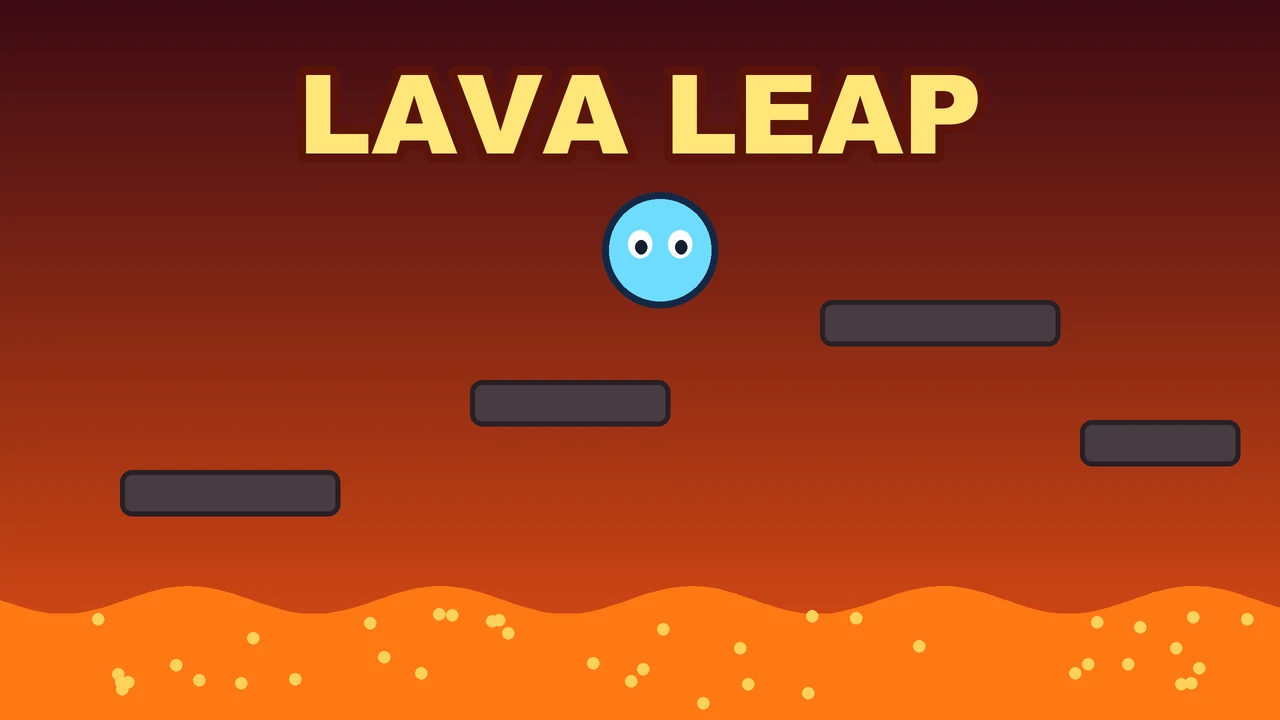
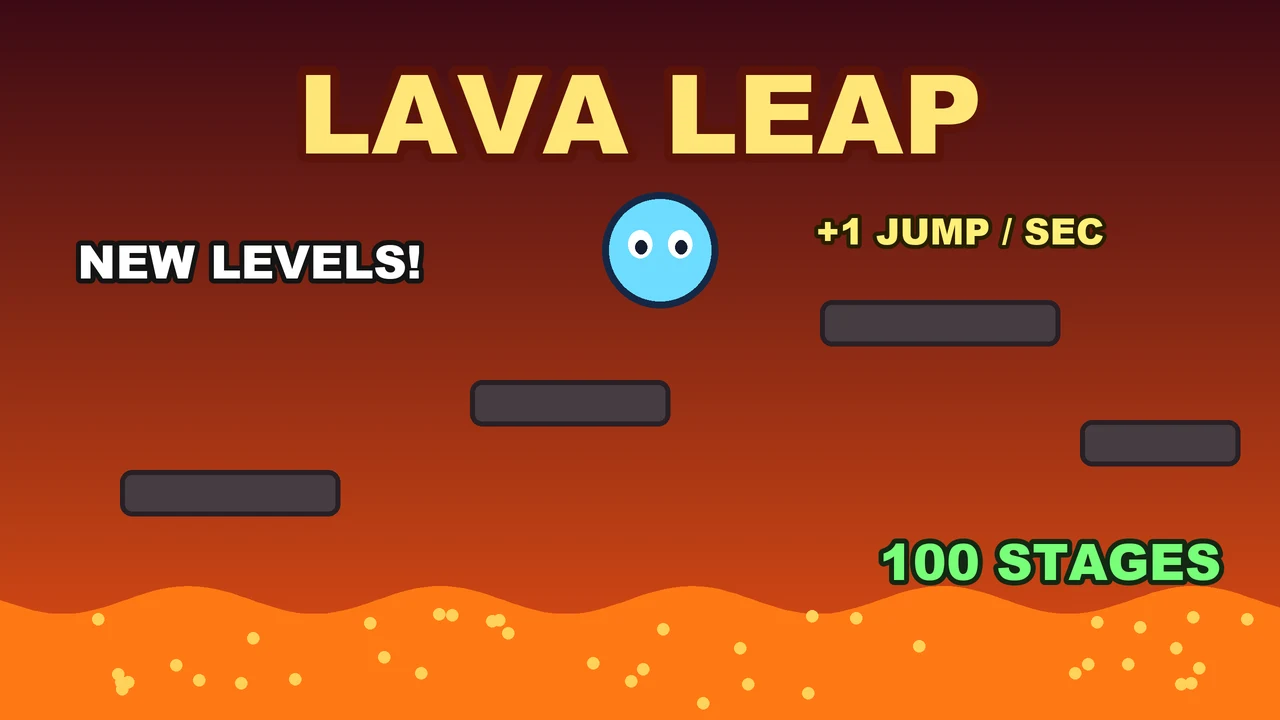
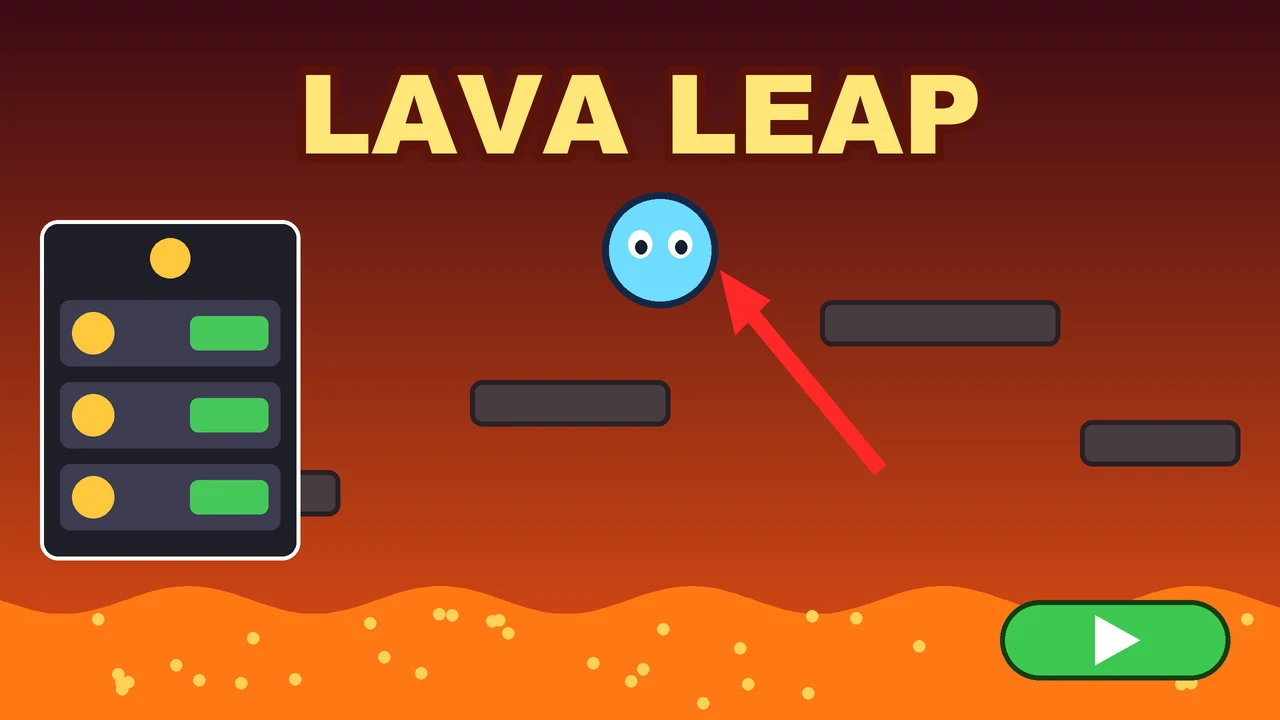
2. Nothing laid over the picture
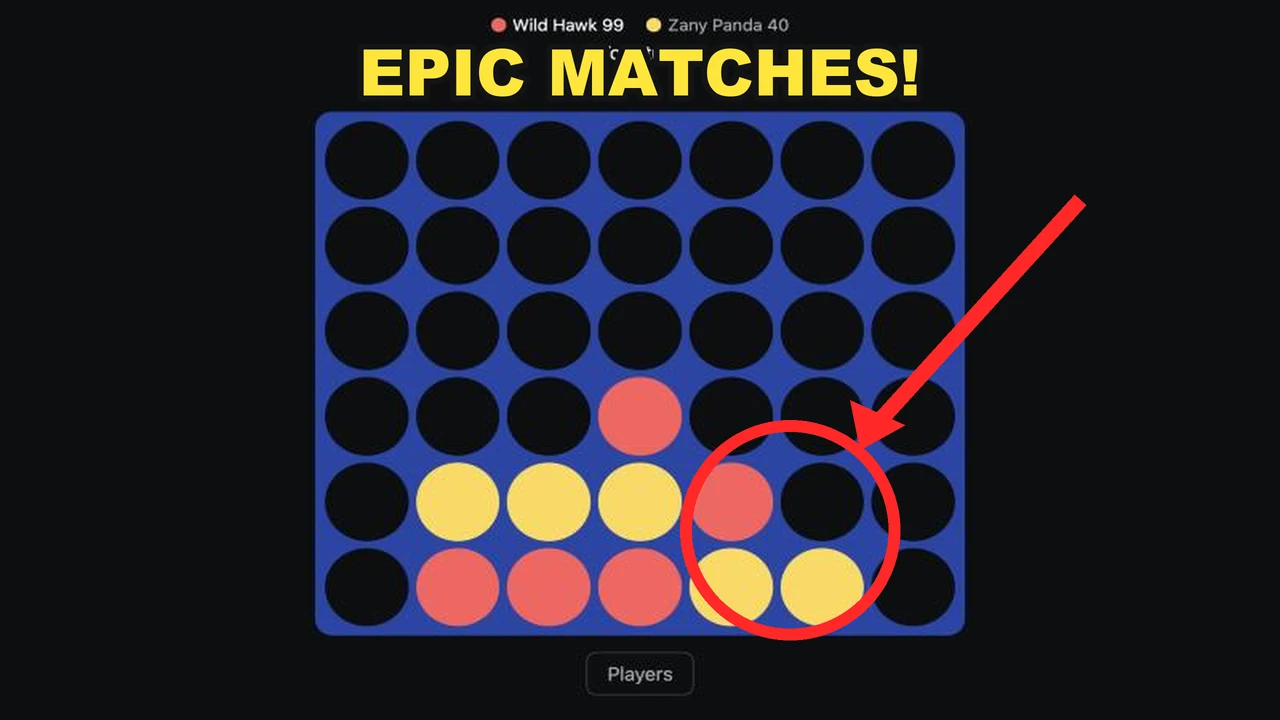
No buttons, menus, shop panels, reward rows, badges, stickers, or arrows and circles pointing at things.
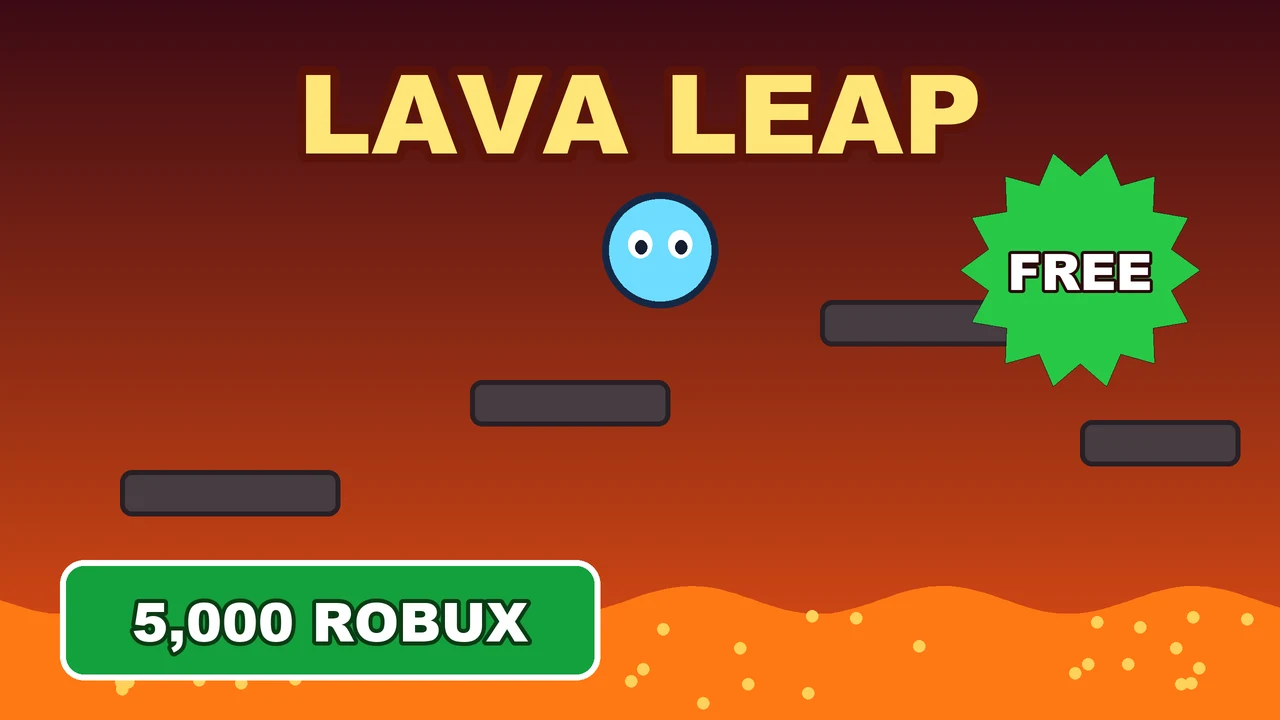
3. No fake rewards
Nothing promising free Robux, V-Bucks, gift cards or cash, on a cover, a screenshot, or in the title or description. This one holds the game until a person looks.
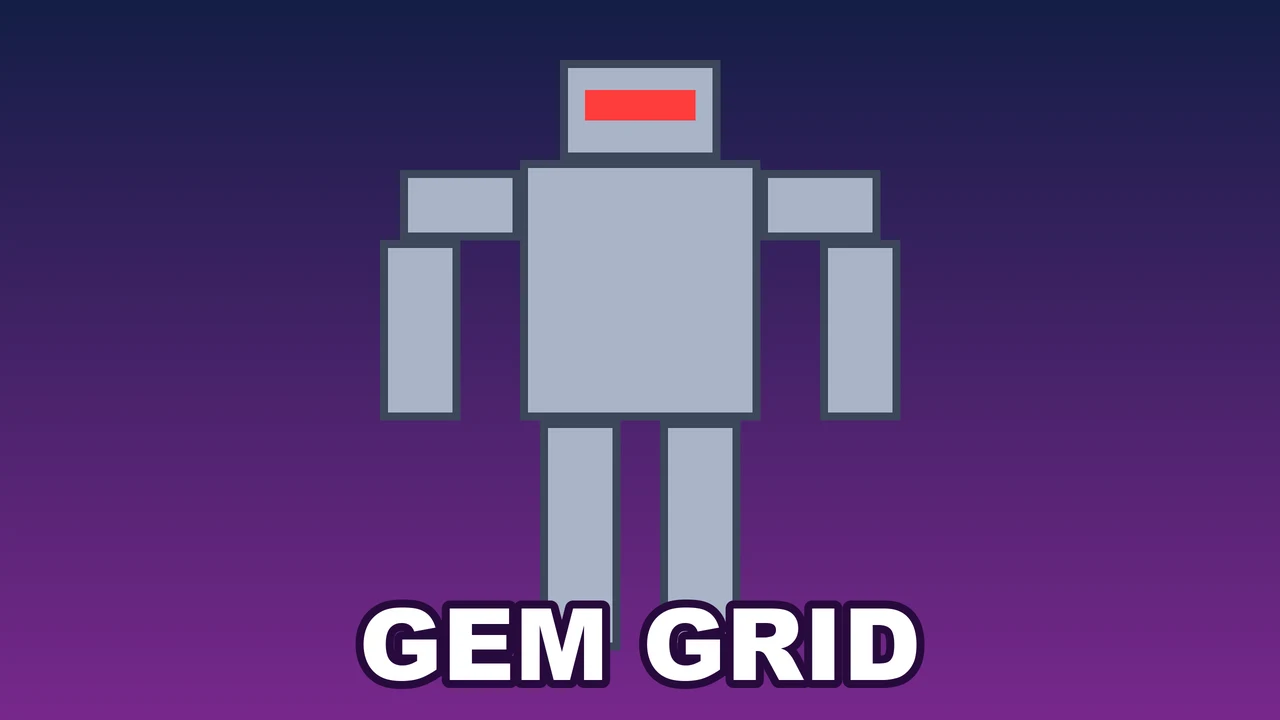
4. No famous characters, logos or names you don't own
Only the obvious ones count: a character, logo or name a teen would name at a glance, like Mario, Naruto, Lightning McQueen, a football club's crest or the Roblox logo. Generic blocky or pixel characters are fine. If you own it or have permission, message Zaisma. What's inside your game is different: Zaisma acts on borrowed characters there only when the owner sends a notice.
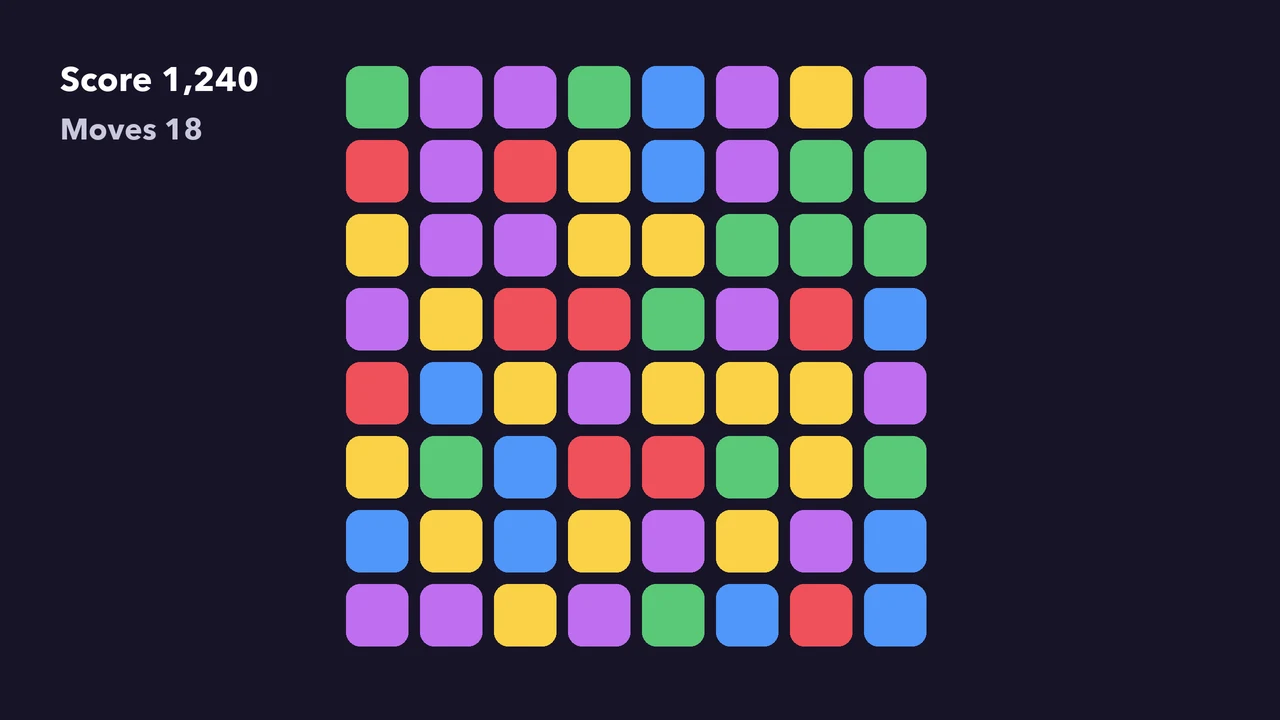
5. Built around something from the game
The character, creature or thing your cover is built around appears in at least one of your screenshots, in any art style.
Busy and bright is fine
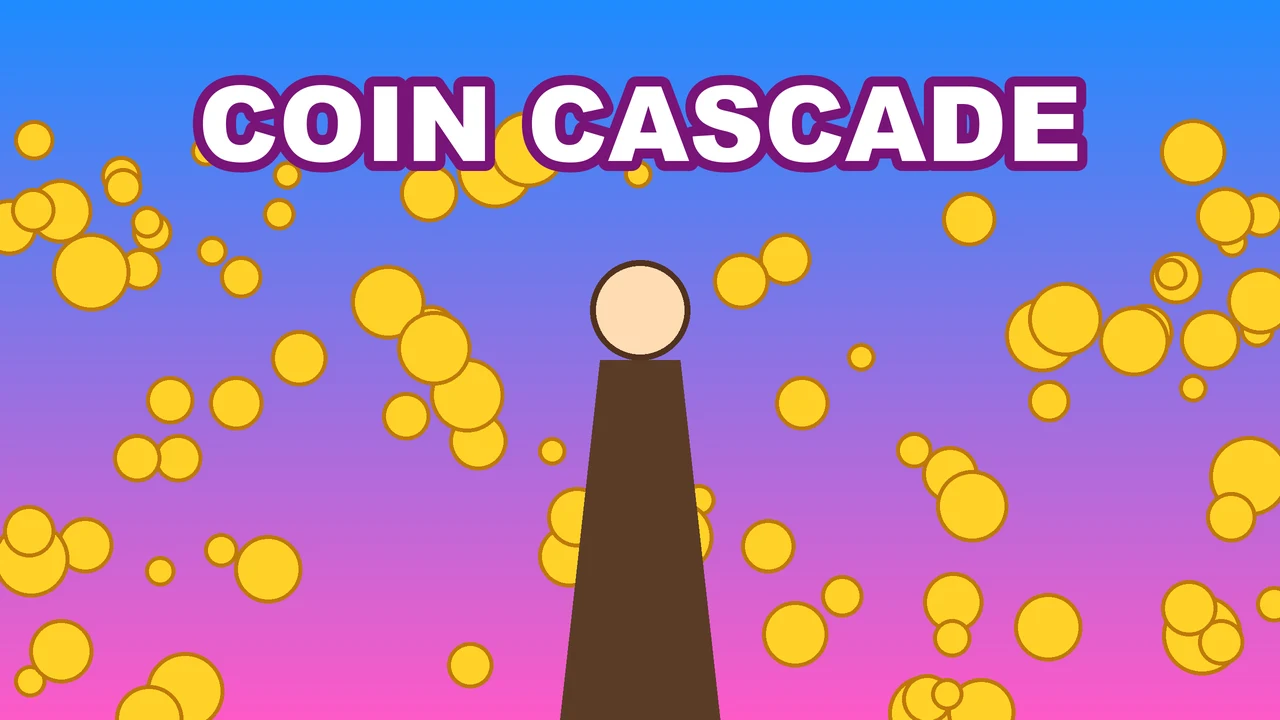
Bright colors, busy art, shocked faces, piles of coins and an AI-made look are never against the lines. The covers at the top show what tends to work better.
Screenshots
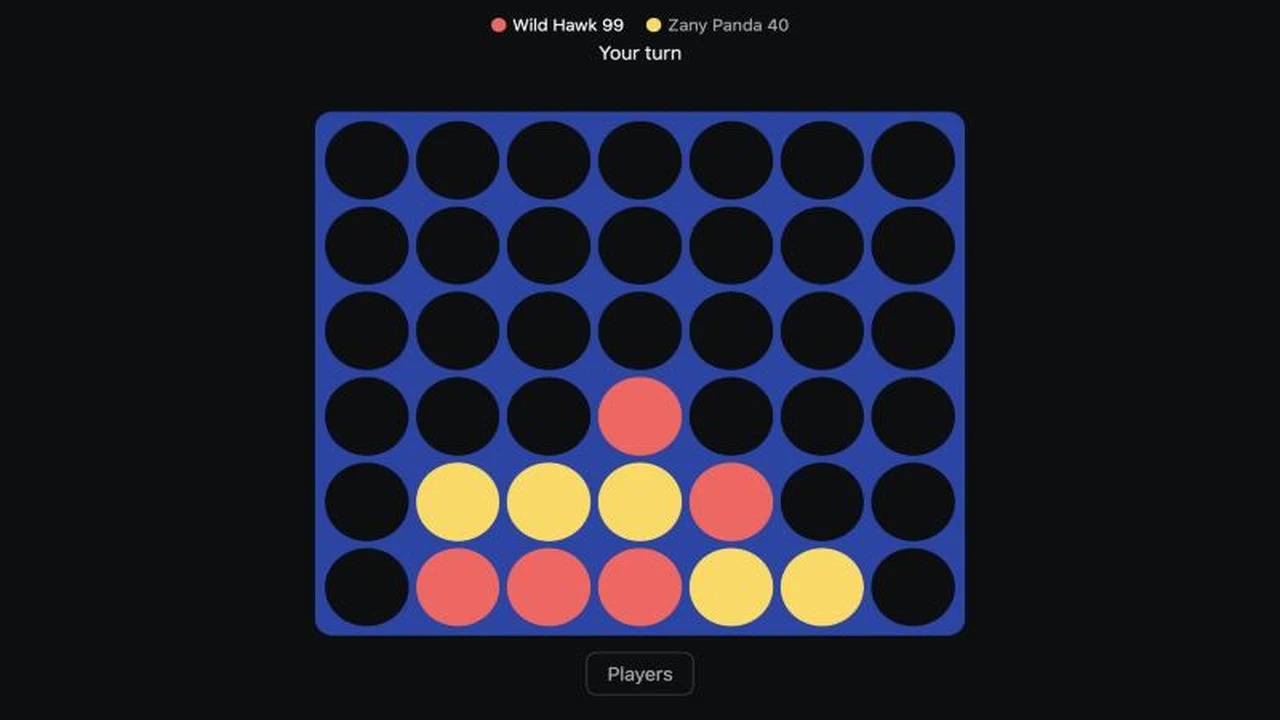
A screenshot is a real capture of the game. Its score, menus, buttons and shop screens are welcome. Anything added afterwards isn't: a caption, an arrow or circle, a sticker, a pasted logo, a device frame. Such a screenshot doesn't show.
Backgrounds
A background is your game's world behind Zaisma's glass, on the home and your game page: a picture, or a shader that paints it live. It's separate from your cover and carries no title, logo or words: those go on the cover, and a background with them doesn't show. Words that are part of the scene, like a sign on a building, are fine. Compose it for the glass: on a wide one, Zaisma's glass sits on the left, so keep the left calm and let the world open up on the right; on a phone one, the glass takes the bottom half, so keep the interest in the top half. Without a phone background, phones show the wide one. The background guide says what reads well under the glass, with live worlds whose sources are open to start from.
Titles
A title names the game. No tags: a bracketed tag like [UPDATE], an emoji, or NEW, UPDATE or FREE used as a tag. “+1 Speed Run”, “Wrangler 2x” and “Free Fall” are names, so they're fine. No famous names you don't own, and no fake rewards. Patch notes are where you say what's new.
What happens
Pictures and new words are checked in about a minute. A cover or title that breaks a line still shows on your game's page, and the game plays by its link, but home, All games, browse and search engines leave it out until it's fixed; it's back about a minute after. Your dashboard, and your AI through get_game, say what and how to fix it. A fake reward holds the game until a person looks. If the check got something wrong, message Zaisma from the dashboard, or message_zaisma, and a person looks.